Conversation and check-ins
A senior can start a chat, hear a friendly prompt or share how the day is going. A simple exchange matters.
A friendly voice at home
For many seniors, the hardest part of technology is having nobody beside them to ask. Majestic Robotics companion robots bring everyday conversation, reminders and family calls into one voice-first device.
No app or screen is needed for daily use. Choose a home demo and hear how it could fit your parent's routine.
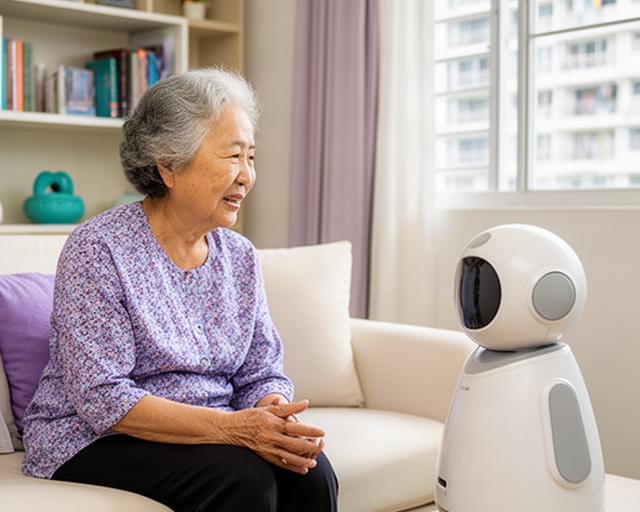
A conversation, at her pace
Ask for a reminder or call family by voice.
Speak naturally. No menus to learn.
Everyday help, by voice
Small prompts can make a familiar day easier to manage. The senior stays in control.
A senior can start a chat, hear a friendly prompt or share how the day is going. A simple exchange matters.
Set spoken reminders for appointments and everyday tasks. The prompt can be repeated at a time that suits the household.
Make a call or send a voice message using a familiar spoken request, rather than searching through contacts.
Where compatible devices are installed, voice commands can control lights and selected appliances. Ask us to check your setup.
Made to feel familiar
A good voice assistant for elderly users should be easy to hear, follow and speak to. Set the interaction around the person, not the other way round.
Choose a comfortable volume and speech pace during setup. Clear prompts leave room for a reply.
Core interactions can be spoken. For moments when a screen is useful, setup options include a more legible text display.
Set up multilingual elderly assistant support around the languages used at home. We can discuss the available voice options at your demo.
Available languages and device settings depend on the selected configuration.
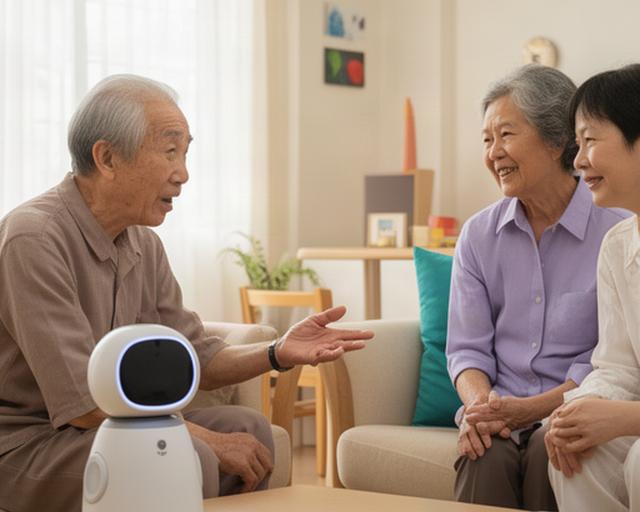
Support that keeps people involved
A companion robot can make a quiet afternoon feel less empty and give a senior an easy way to start a family call. It adds a little structure to the day.
With the household's agreement, scheduled check-ins can help family notice when a routine changes. The robot supports conversations between people; it doesn't replace family, friends or care staff.
“A familiar voice can make the first step easier.”
Choose a setup that fits
Start with the amount of family contact that feels right. Add compatible care devices only when they help.
For a senior who lives alone and wants daily conversation, spoken reminders and straightforward home controls.
For adult children who want an easier way to call, leave voice messages and agree on check-in routines.
For households considering more support alongside companionship, such as medication reminders or fall detection.
A companion robot HDB setup is planned around the room, the resident's routine and the family's preferences.
Family perspectives
These stories show the kinds of changes families look for: easier calls, familiar reminders and a gentler start with technology.
“My mum used to avoid the phone menu. Now she asks the robot to call me.”
“My father never wanted another screen to manage. We set up the reminders and his regular contacts together, then practised the phrases he would use. He now makes the calls himself, and we have a clearer routine for checking in from across Singapore.”
Why did we choose Majestic Robotics? Because my aunt could ask for a reminder in her own words, without learning another app.
Try it in a familiar setting
Tell us a little about your parent's home and daily routine. We'll talk through voice options, family calling and the setup that may suit them.
A home demo gives your family time to ask questions and see the interaction before deciding what to do next.