01 / Walk-through
We check the route first
We look at Wi-Fi coverage, power points, thresholds and walking paths. That helps us place sensors and devices without blocking everyday movement.
Installation, home trials and ongoing care
Majestic Robotics helps your household choose, set up and keep using home robotics. We plan around your flat, the people who live there and the support they need.
Clear steps. A real person to call.
Book an installation and home trial consultation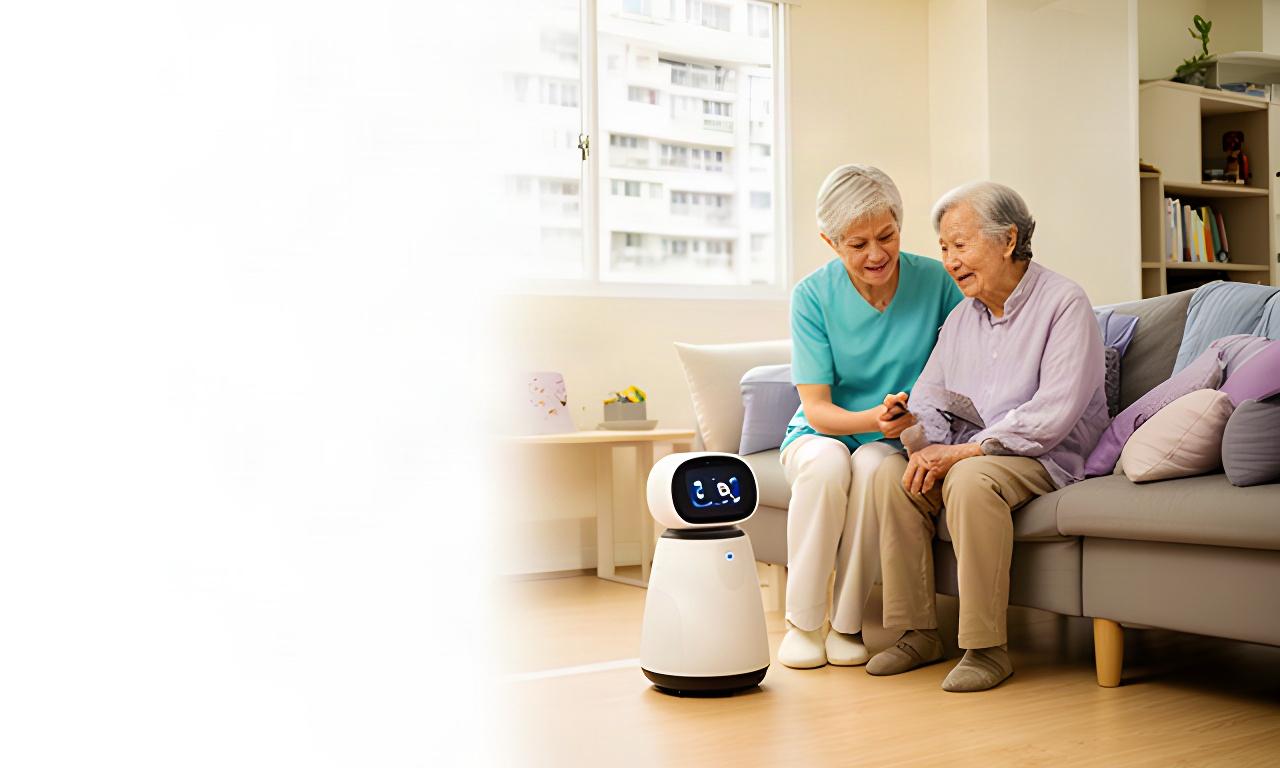
Assess
Talk through needs and layout.
Select
Choose a practical setup.
Install
Fit devices to your flat.
Onboard
Show each person how it works.
Support
Keep the setup useful over time.
A considered HDB robotics setup
We check the home before fixing anything in place. Most single-room setups take around two to three hours; multi-device installations are scheduled after assessment.
01 / Walk-through
We look at Wi-Fi coverage, power points, thresholds and walking paths. That helps us place sensors and devices without blocking everyday movement.
02 / Set-up
Most devices use plug-in power and wireless connections. We agree any mounting before work starts, and check rental conditions or building restrictions with you.
03 / Test together
We test alerts and device response in the rooms where they’ll be used. Before we leave, you can try the controls and ask us to adjust placement.
Older blocks and rental flats are assessed individually. No drilling or cabling is agreed without your approval.
See how it fits at home
A paid home trial gives your family time to judge the fit in everyday routines. Ask us which care or family bundles are available for a trial, and what the quoted period includes.
Set a few useful checks, such as whether reminders are clear or a robot can reach the rooms it needs to.
Family members and caregivers can practise the controls and share what needs adjusting.
At the end of the agreed period, discuss changes, a suitable ongoing package or collection of trial equipment. The terms are set out before you proceed.
Shared understanding matters
We explain the controls in plain language and let each person practise. The older resident stays part of the conversation.
At set-up and after
Practise everyday commands, reminders and any alert sounds together at a comfortable pace.
Review dashboard access, notification settings and who to contact if an alert needs follow-up.
Request a follow-up session when a new helper joins or your household needs a refresher.
Short-term care needs
A temporary setup can help a household organise day-to-day support after a hospital stay.
We can discuss reminders, check-in routines and selected home devices around the person’s recovery plan. Technology supports household routines; it doesn’t replace clinical advice or urgent medical care.
Discuss a recovery setupSet reminders around agreed daily activities.
Place devices with walking routes and access in mind.
Explain the setup to family and part-time caregivers.
Discuss removal, continued use or a smaller setup as needs change.
Ongoing care for your devices
Choose support that matches your setup. Scope, visit frequency and fees are confirmed in your quote.
As needed
Contact support for troubleshooting, settings questions or a new household routine. We’ll agree the next step with you.
Good for smaller setups
Scheduled upkeep
Arrange routine checks for device condition, connections and settings, with update guidance for supported products.
Good for multi-device homes
Subscription option
Ask about a recurring support plan for selected care-related devices, including the service response and visits covered.
Good for households needing regular support
Plan coverage depends on device model and service requirements. We’ll explain exclusions and renewal terms before you sign up.
Good to know
Still deciding? Tell us what your flat and household need.
Ask about your setupSingapore-based installation and support
Tell us about the people at home, the devices you’re considering and any access needs. We’ll discuss a suitable assessment and explain the next steps.
Labrador Villa Road, Singapore 119189