A calm start
Starter
A child-safe voice assistant and everyday reminders for a smaller household or a first smart home setup.
- Parental controls and activity limits
- School, reading and medication reminders
- Setup advice for shared living spaces
Smart home bundles for Singapore families
A Singapore flat can hold three generations under one roof. Majestic Robotics brings child-safe assistants, family routines and elderly care tools together in a setup planned for the space you have.
Choose your household size to see a starting point. We’ll shape the final bundle around your rooms, routines and comfort with technology.
Design my family bundle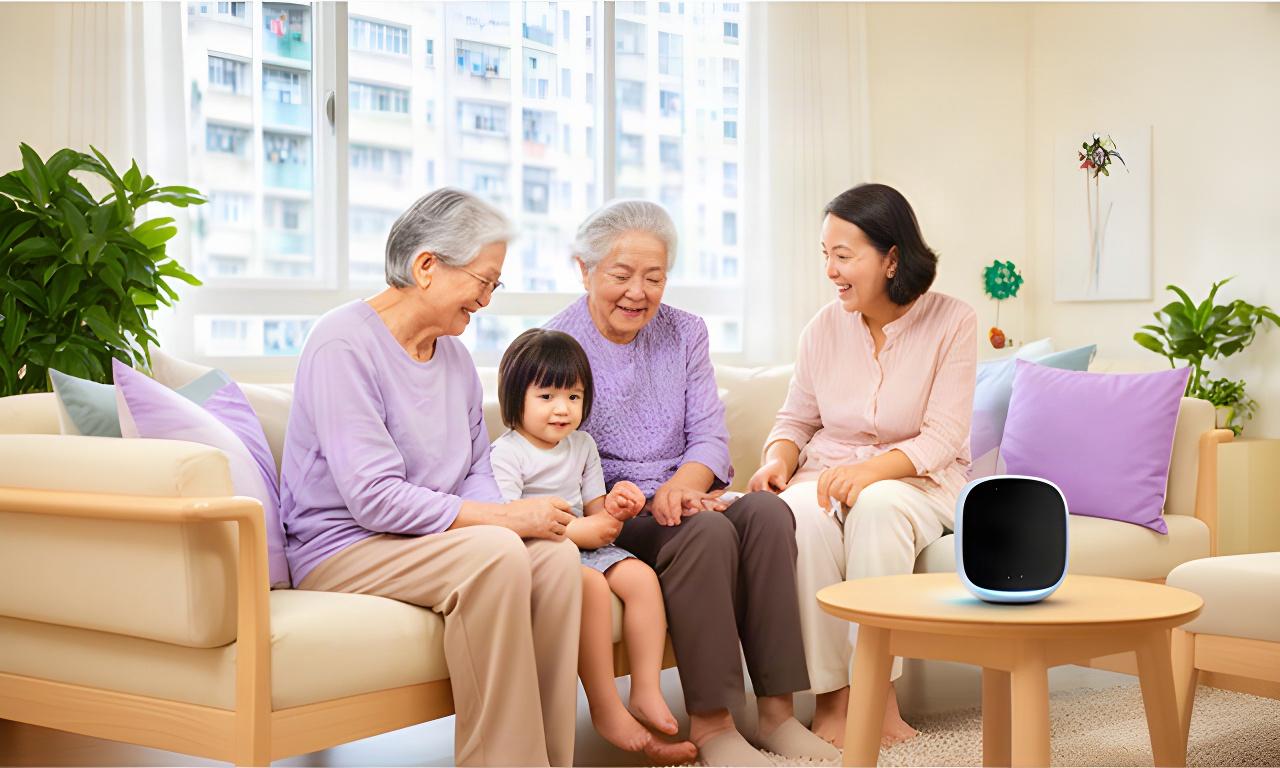
Devices are planned for shared rooms, narrow walkways and everyday HDB routines.
For a 4-room flat, begin with one shared assistant, room-by-room reminders and a family dashboard. Add air-quality monitoring where the family spends most time.
Three clear starting points
Each bundle can be adjusted after a home consultation. Keep the devices that solve a real routine; leave out the rest.
A calm start
A child-safe voice assistant and everyday reminders for a smaller household or a first smart home setup.
Popular for busy homes
Bring children’s routines and home conditions into one dashboard, with learning support that doesn’t depend on another screen.
For shared care
Coordinate child and senior routines with clear caregiver roles and companion support in the same household dashboard.
The exact devices depend on your flat layout, routines and preferred privacy settings.
For curious young minds
A child-safe AI assistant can help with practical prompts while parents set the boundaries. Educational robots give children a hands-on way to explore simple ideas and build routines.
Explore family solutionsAdjust activity limits and parental controls to suit your child’s age and household rules.
Set school-day prompts for packing a bag, reading time or getting ready for bed.
Educational AI robots can encourage curiosity through simple activities and guided play.
Choose which features are active and who can manage them from the family account.
One home, different needs
Three-generation household technology works best when each person sees only what they need. The dashboard can separate child routines from senior care updates, while family members receive access according to their role.
Child view keeps school reminders and activity settings easy to find. Care details stay separate.
School start times, reading reminders and activity limits can be managed without exposing senior care notes.
Medication prompts and agreed check-ins can be shared with the relatives or caregivers who need them.
Household administrator controls invitations and access levels.
Comfort in compact spaces
Small adjustments can make shared rooms easier to manage. Start with the spaces your household uses most.
Monitor indoor conditions in the living room or bedroom, then use the readings to guide ventilation and appliance routines.
Set reminders for feeding and daily care. We can check compatibility with supported smart feeders during planning.
Coordinate lighting and device schedules around study time, rest and the different hours a multi-generation home keeps.
Local household experiences
Every home sets its own pace. These examples focus on the routines families wanted help organising.
“The school reminders have made our weekday mornings easier to organise. We started with the living room and added another routine once everyone was comfortable.”
We wanted one place to check my mother's medication reminders and our son's school routine. The team helped us decide which alerts should go to each family member. We kept the setup simple in our Tampines flat, and the dashboard is easier for my parents to use than separate apps.
Why did we choose Majestic Robotics? Because we could start with the children’s routines and discuss senior support before adding more devices.
Useful details
Start with the flat and the routine you want to improve. We’ll help you keep the setup manageable.
We plan around the rooms and surfaces you already use. Many setups begin with one shared assistant and a small number of sensors; the consultation checks placement and connectivity before you decide.
Household profiles can separate routine views and permissions. The main account holder can decide which family members or caregivers can see specific reminders and updates.
Yes. We can review compatibility before adding supported devices, so the original setup can grow as your household’s needs change.
Keep the controls familiar and the steps short. We can walk household members through the agreed routines during setup and focus on features they are ready to use.
Yes. The Multi-Generation option brings family routines and elderly care features into one household plan, with access arranged around caregiver roles.
Plan your setup
Tell us who lives at home and what you want help organising. We’ll discuss a practical smart home plan for your HDB layout.
Talk with Majestic Robotics
Consultations are available across Singapore. Ask about a home trial, installation and future upgrades.